
Phone Holder
€9.95
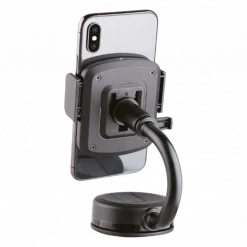
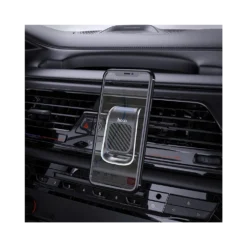
Universal Rotating Dashboard Phone Holder
In stock
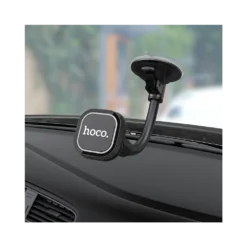
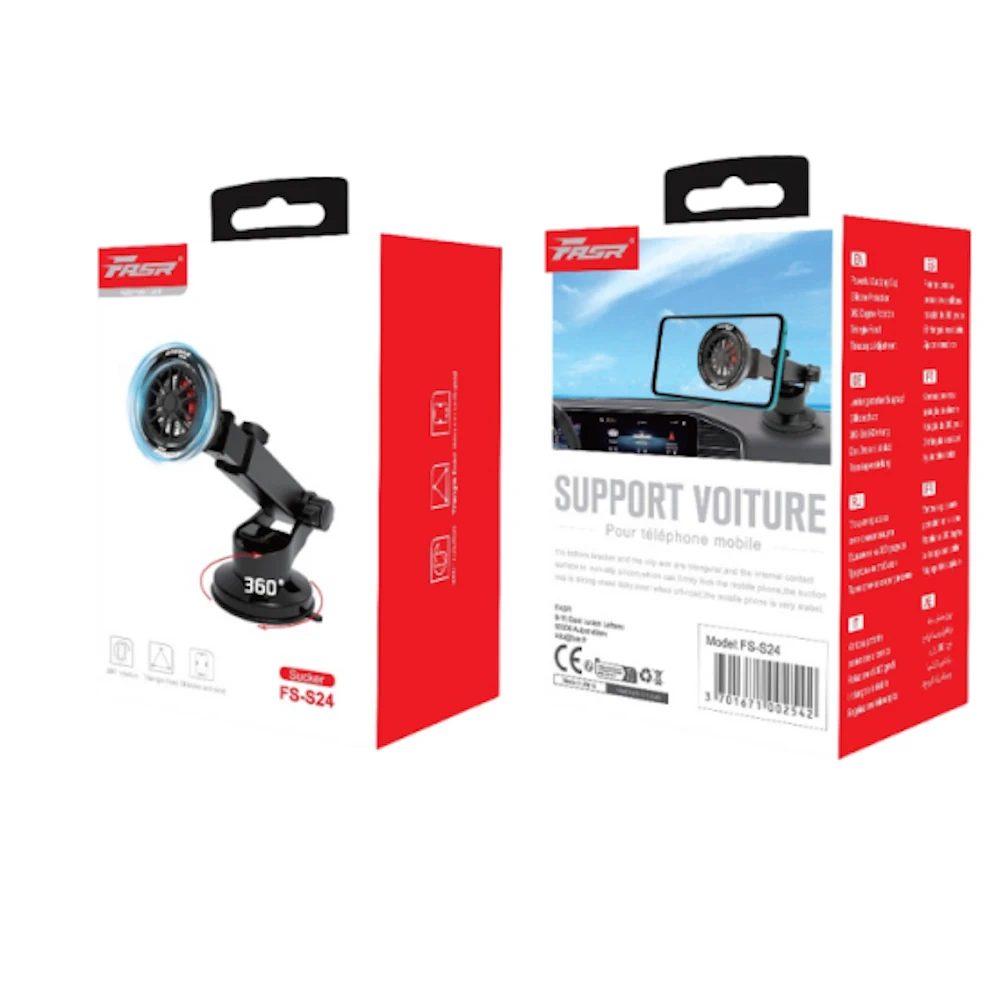
Universal Rotating Dashboard Phone Holder for Trucks / RVs / Vehicles – FASR FS-S24
Enhance your driving experience with the Universal Rotating Dashboard Phone Holder, model FASR FS-S24. Designed to meet the unique challenges of navigating in trucks, RVs, and various vehicles, this phone holder delivers exceptional convenience, compatibility, and security. Ensure uninterrupted access to your smartphone for navigation and hands-free calls across every journey.
Key Benefits:
- Full 360° Rotation: With its fully adjustable rotation feature, find the perfect viewing angle, whether in portrait or landscape mode, ensuring clear visibility for optimal navigation and driver safety.
- Secure Grip Technology: Engineered with a snug fit and anti-slip silicon pads, it holds your smartphone securely, even on the bumpiest roads, eliminating the risk of accidental drops or shifts.
- Universal Compatibility: Capable of accommodating all smartphone models up to 6.5″, making this holder adaptable for your device, whether it’s a compact phone or a larger format model.
Technical Specifications:
- Model: FASR FS-S24
- Material: Durable ABS plastic and silicon
- Rotation: Full 360-degree rotation
- Compatible Phone Size: Up to 6.5″ smartphones
- Color: Sleek Black
Compatibility:
The Universal Rotating Dashboard Phone Holder is crafted to perfectly fit seamlessly in trucks, RVs, and all vehicle types. Whether tackling cross-country drives or local commutes, ensure safe, hands-free smartphone use.
Recommended Use:
This phone holder is ideal for drivers seeking a convenient, secure way to access GPS or hands-free calling while keeping their focus on the road. It’s perfect for professional drivers and adventure seekers alike.
Installation Instructions:
- Choose Your Position: Select the preferred position on your dashboard that provides clear accessibility and line of sight.
- Clean the Surface: Ensure the chosen spot is clean and dust-free for optimal adhesion.
- Apply the Holder: Press the sticky gel pad onto the surface and hold firmly for a few seconds.
- Insert Your Device: Adjust the side grips and gently place your smartphone within the holder for a snug fit.
- Adjust Viewing Angle: Utilize the 360° swivel feature to adjust the phone to your desired viewing position.
Related products